Introducing...
NagVis is a visualization addon for the well known network managment system Nagios.
NagVis can be used to visualize Nagios Data, e.g. to display IT processes like a mail system or a network infrastructure.
Useful Links:

NagVis is a visualization addon for the well known network managment system Nagios.
NagVis can be used to visualize Nagios Data, e.g. to display IT processes like a mail system or a network infrastructure.
| 
| 
|
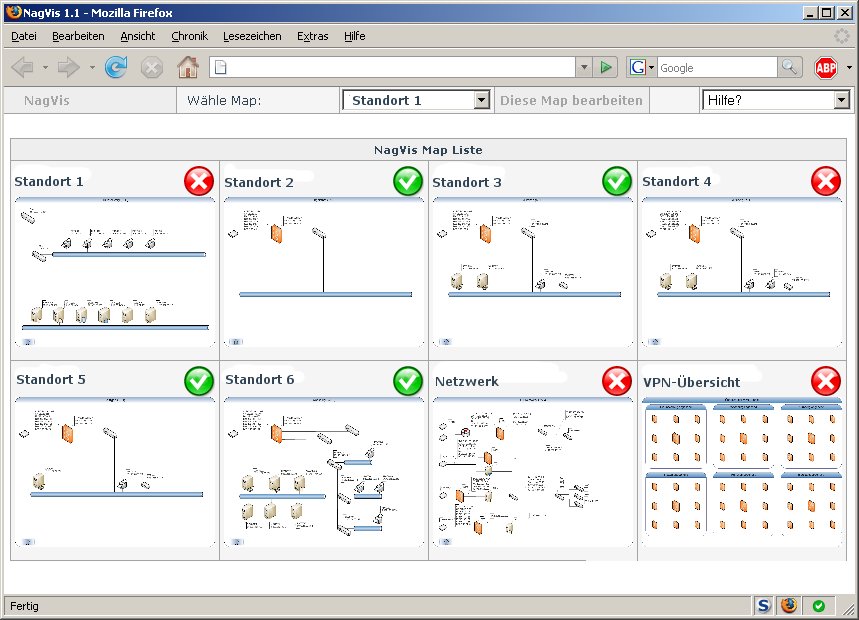
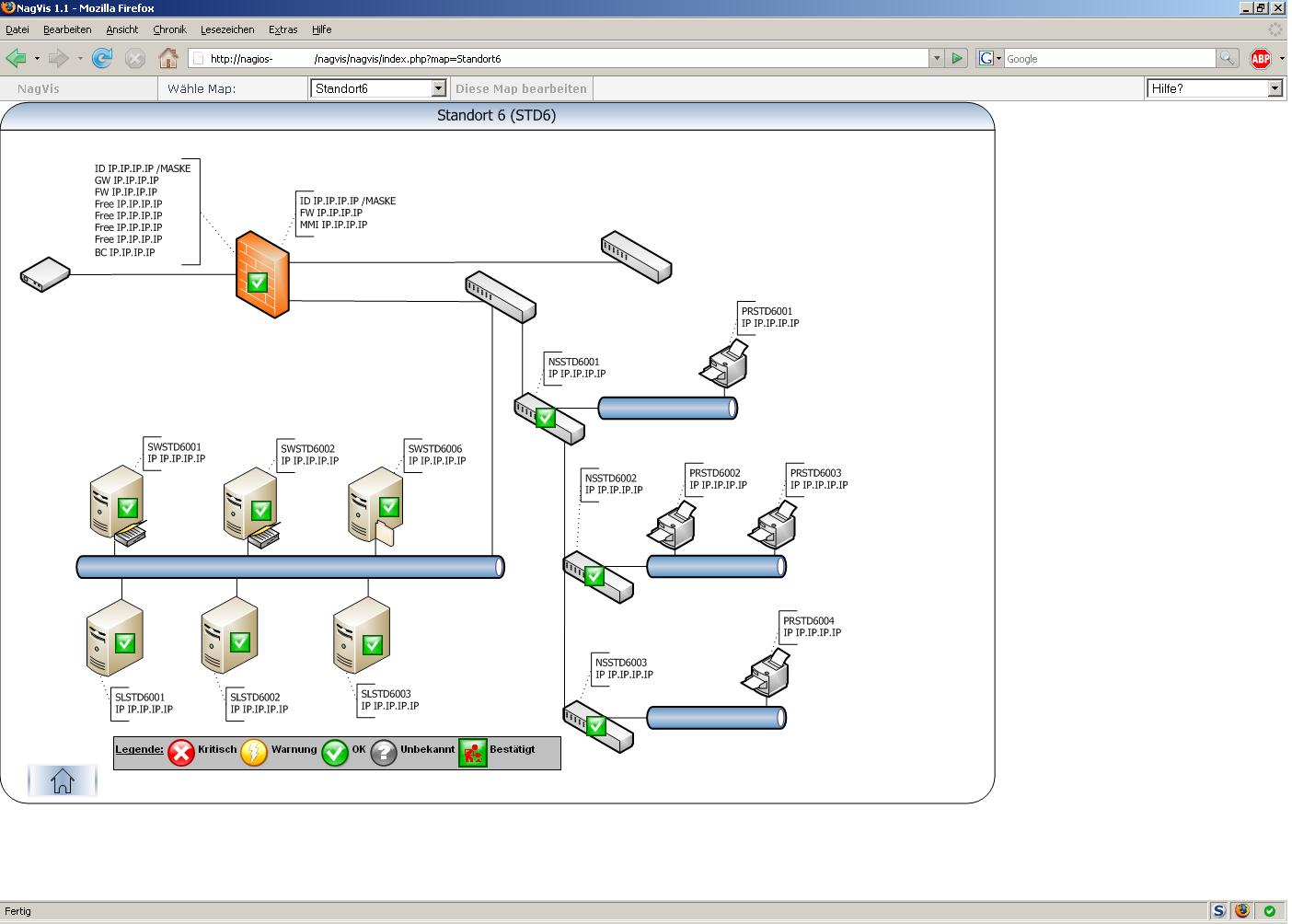
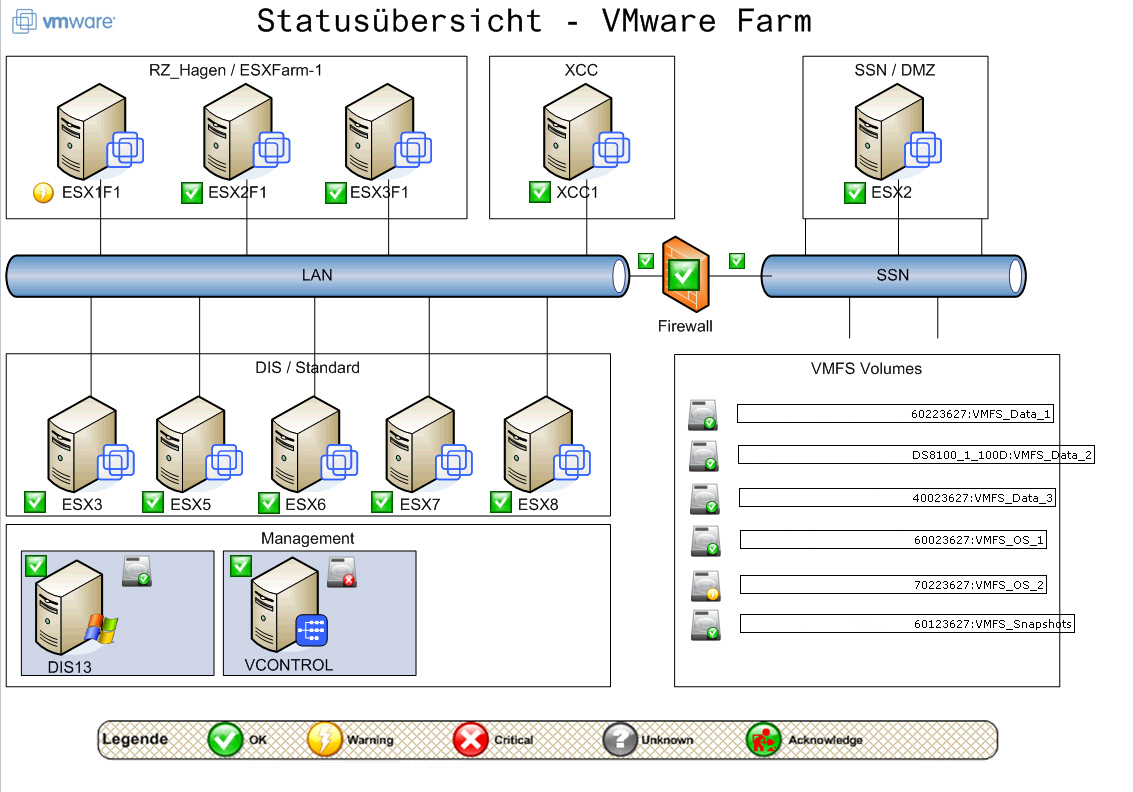
| General overview of a corporate NagVis installation showing the mapsfor each branch office network and the VPN connections. | Local Network view from branch office 6 including a legend as NagVis textbox. | Overview over a VMWare farm. |
| 
| 
|
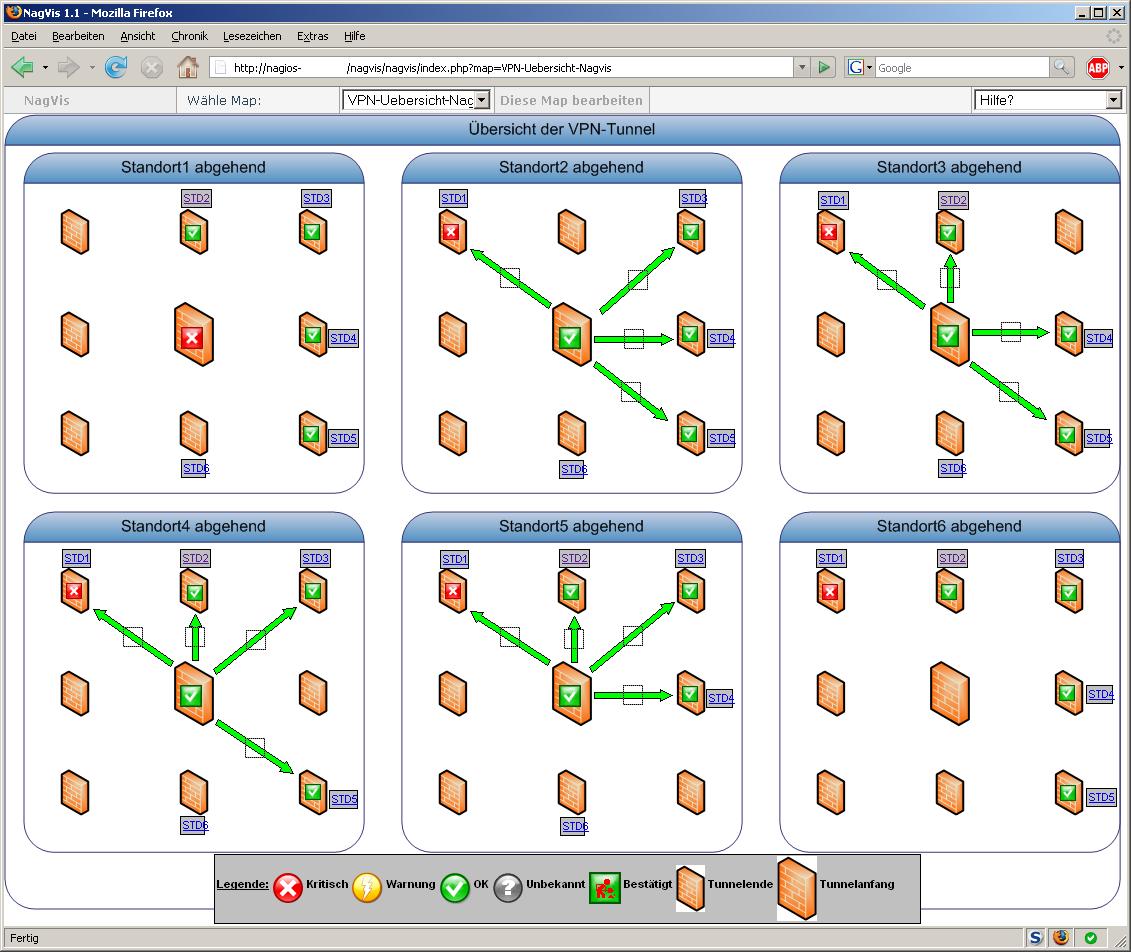
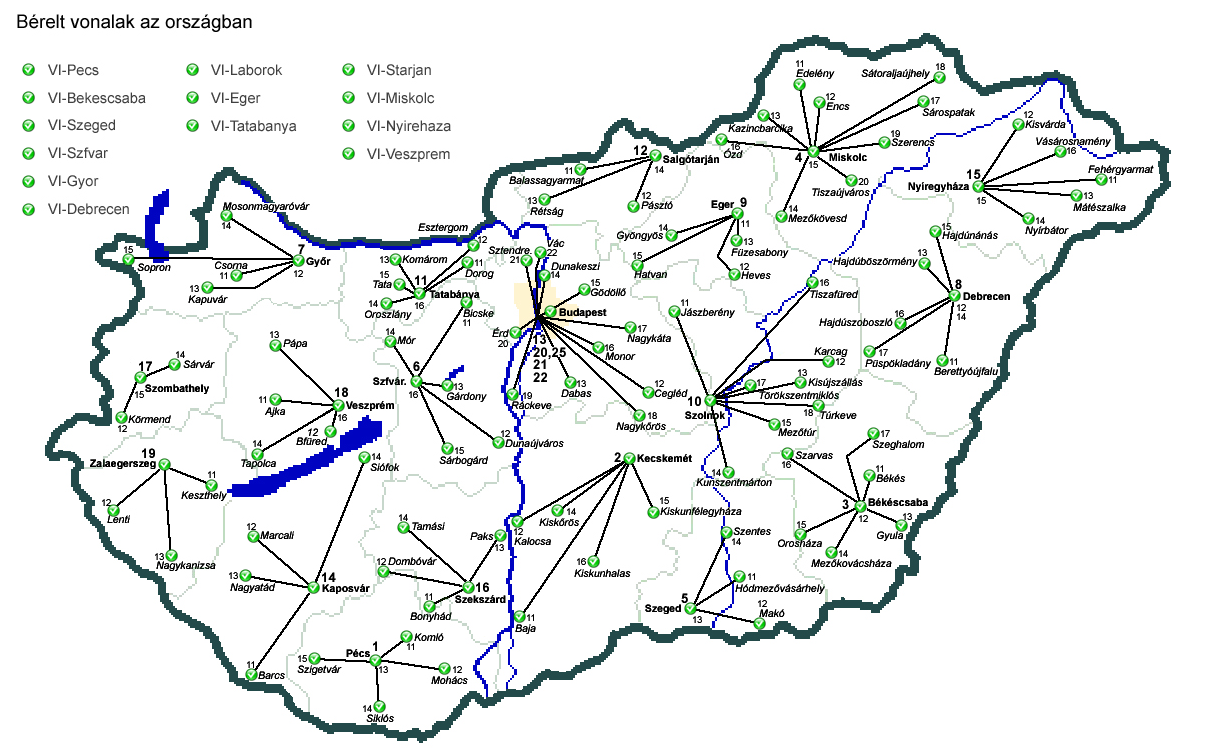
| Map showing the outgoing VPN connections for each branch office. | Use of Nagios data in a geographical map | Integrating Nagios Data into a picture |
| 
| 
|
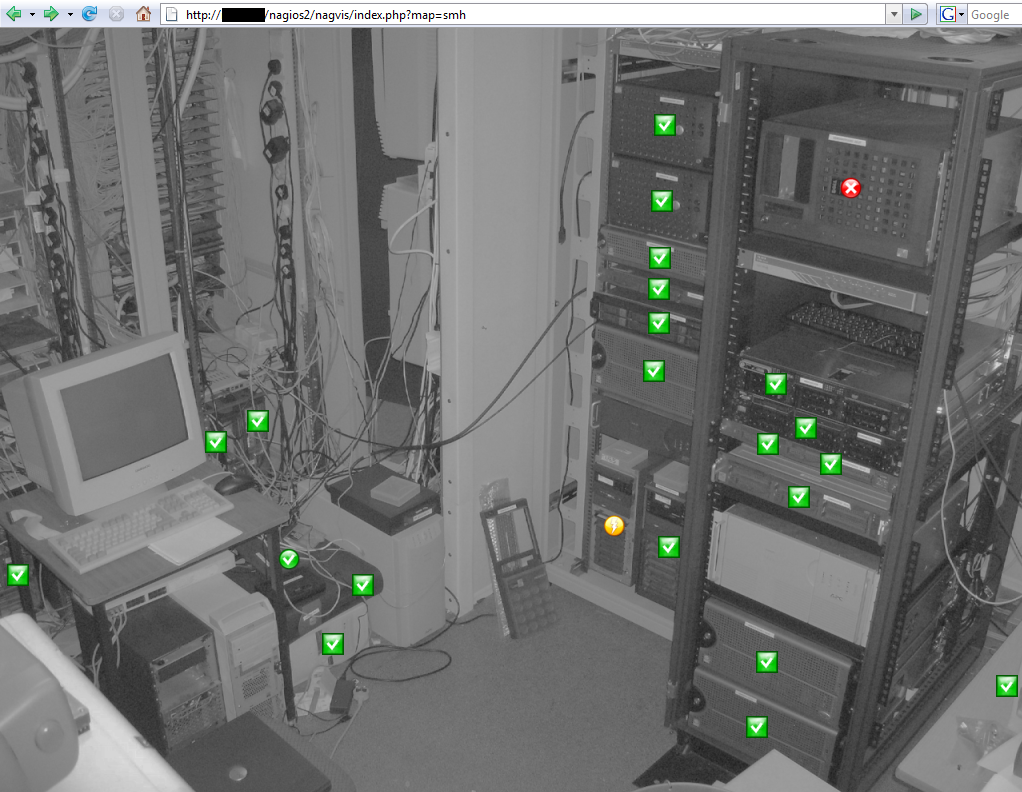
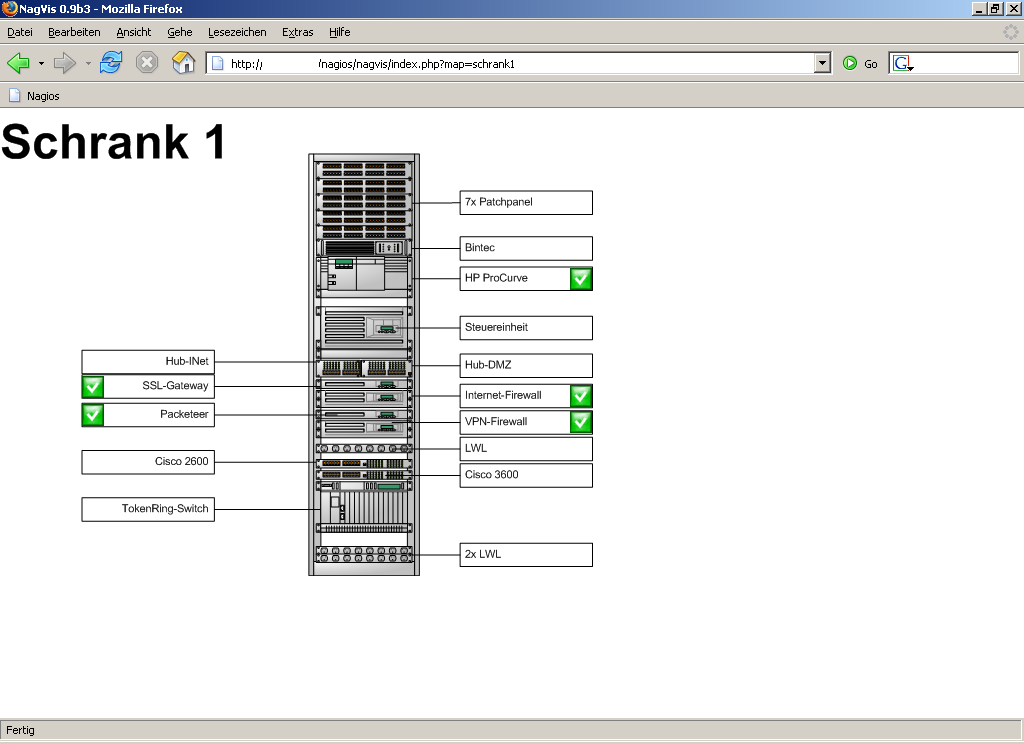
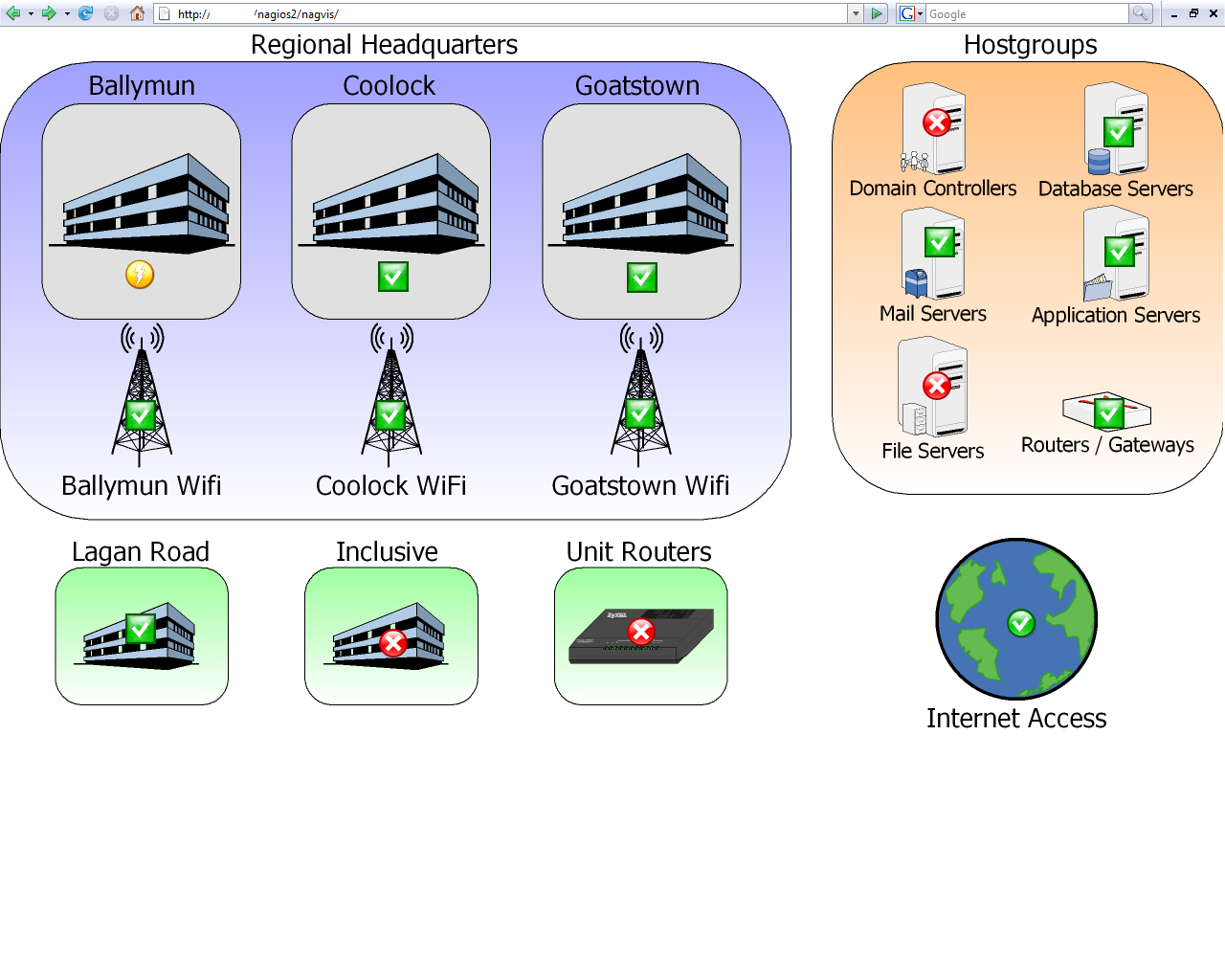
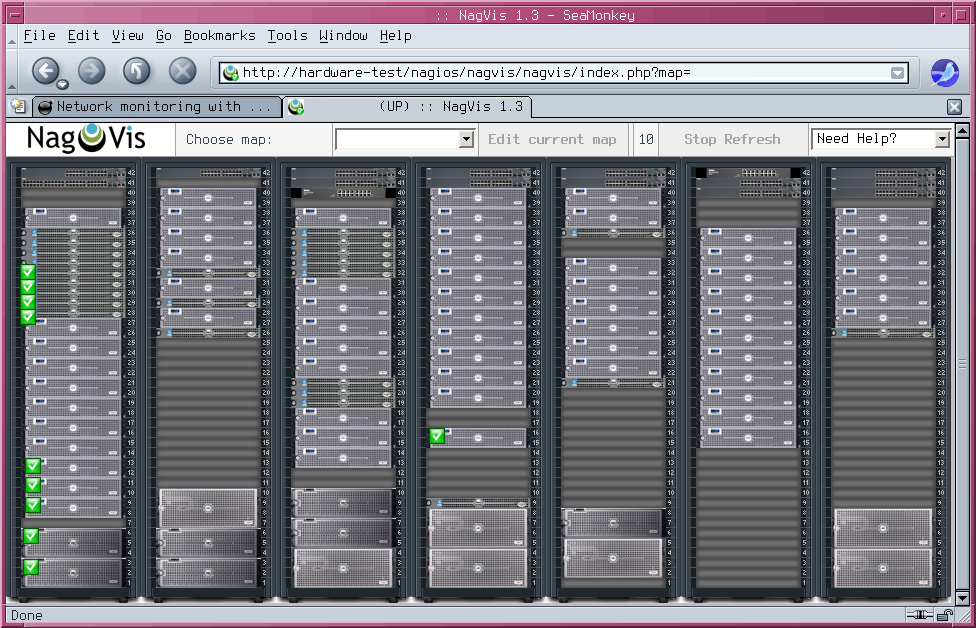
| Visualisation of a server rack | Easy to operate overview of different Sites | Server rack visualized with a screenshot of Dell Data Center Capacity Planner as background image. |
| 
| 
|
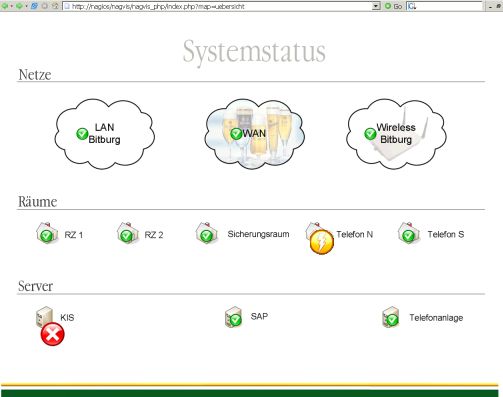
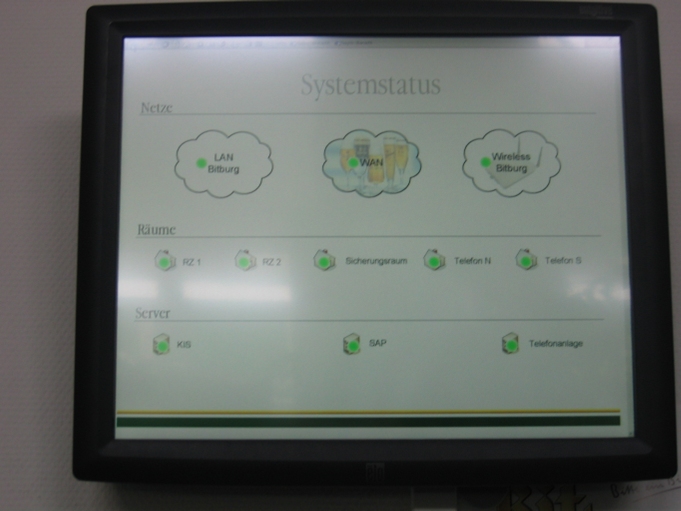
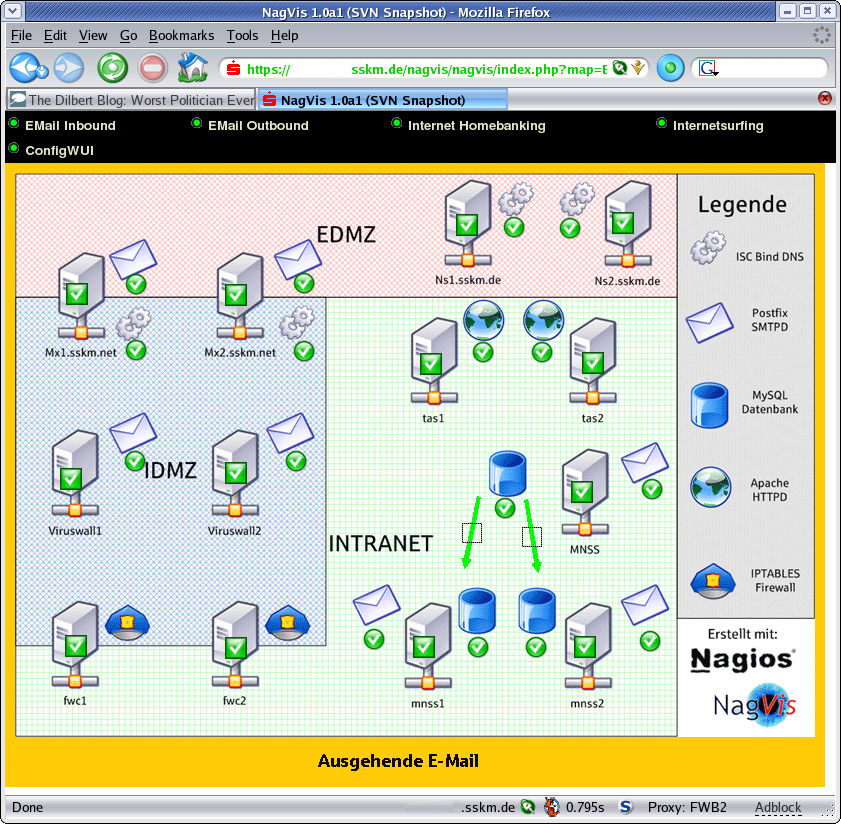
| An own "strategical overview" with drill down capabilities | Touchscreen as central viewpoint | Visualization of a companys mail services |
| 
| 
|
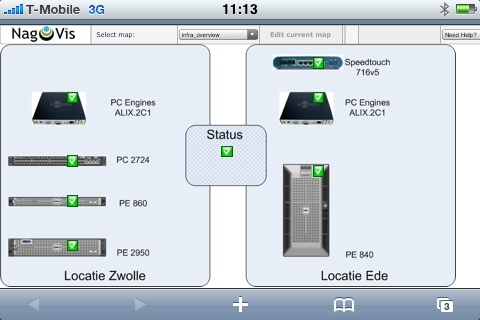
| Screenshot of a NagVis 1.4 map on the iPhone (By Oraone) | Screenshot of a NagVis 1.4 map on the iPhone (By Oraone) | Photo of an iPhone with a NagVis 1.4 map on the screen (By Oraone) |
| 
| 
|
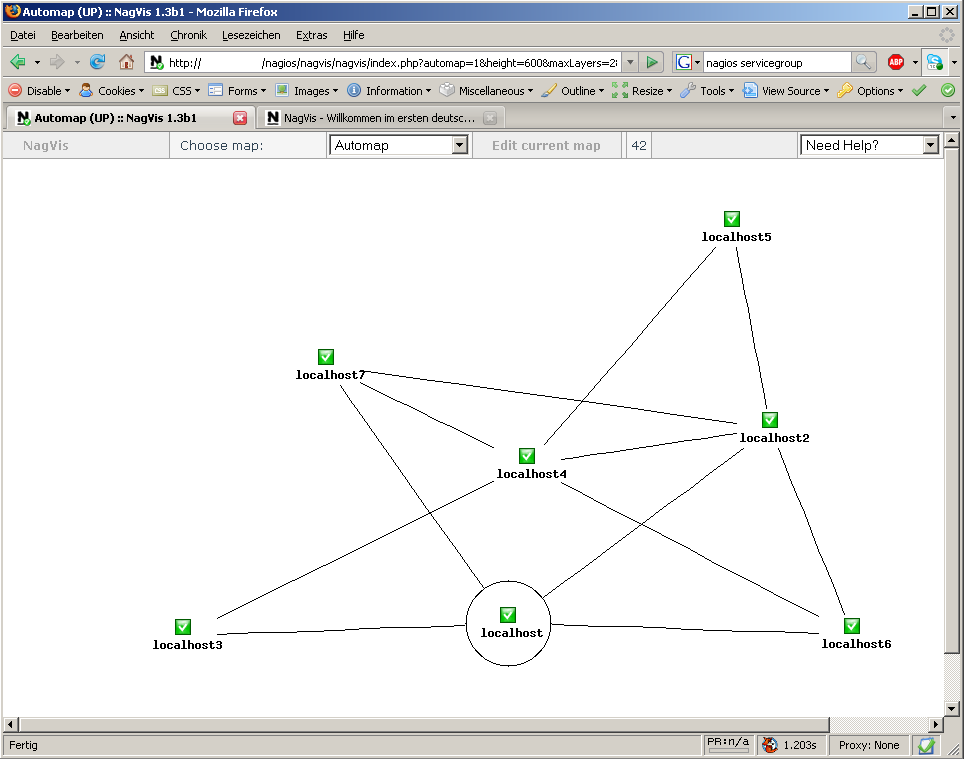
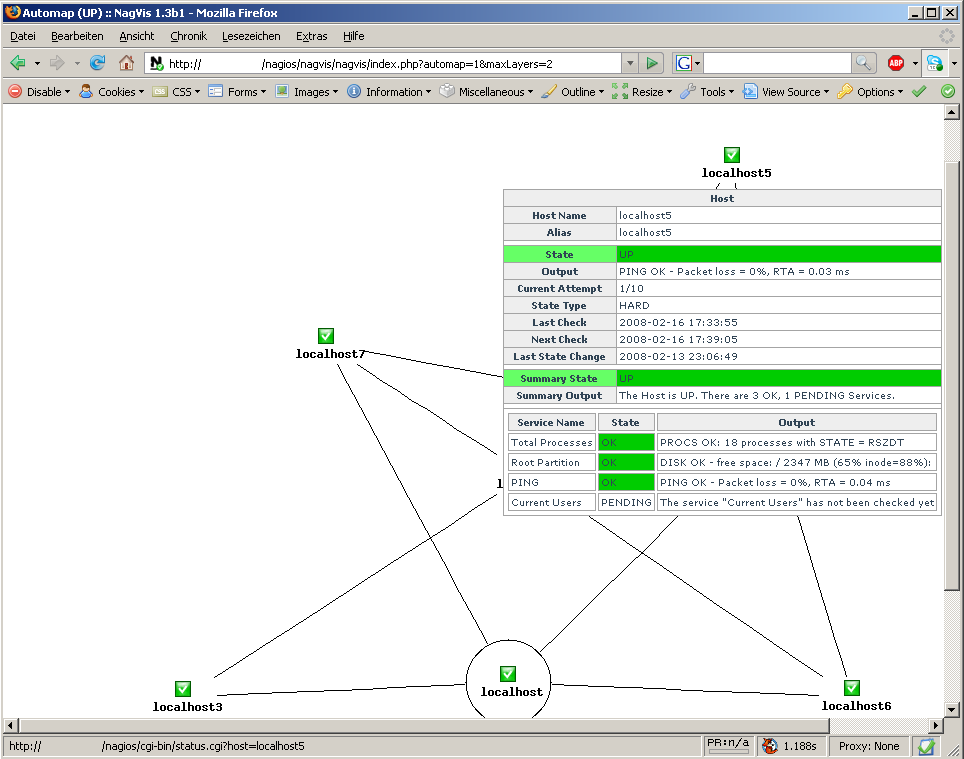
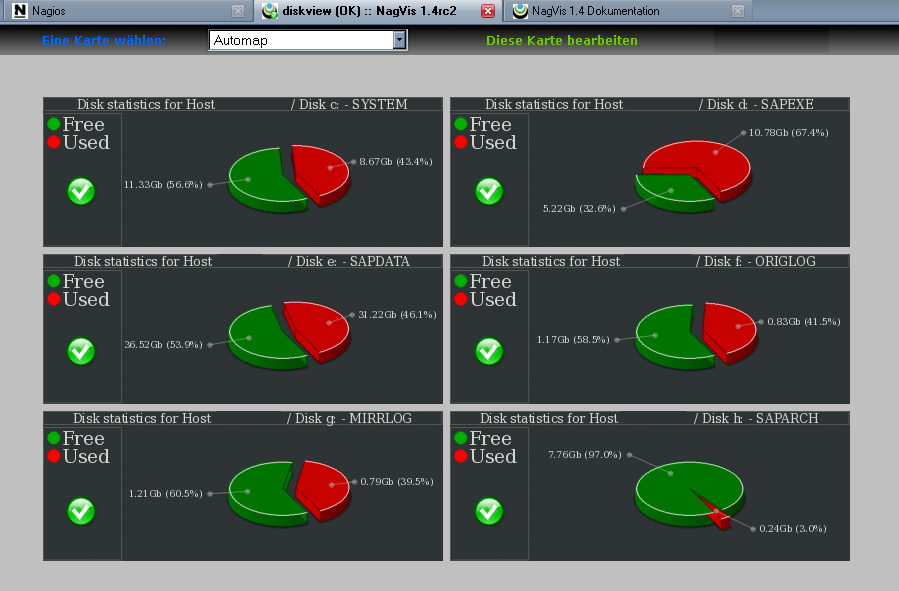
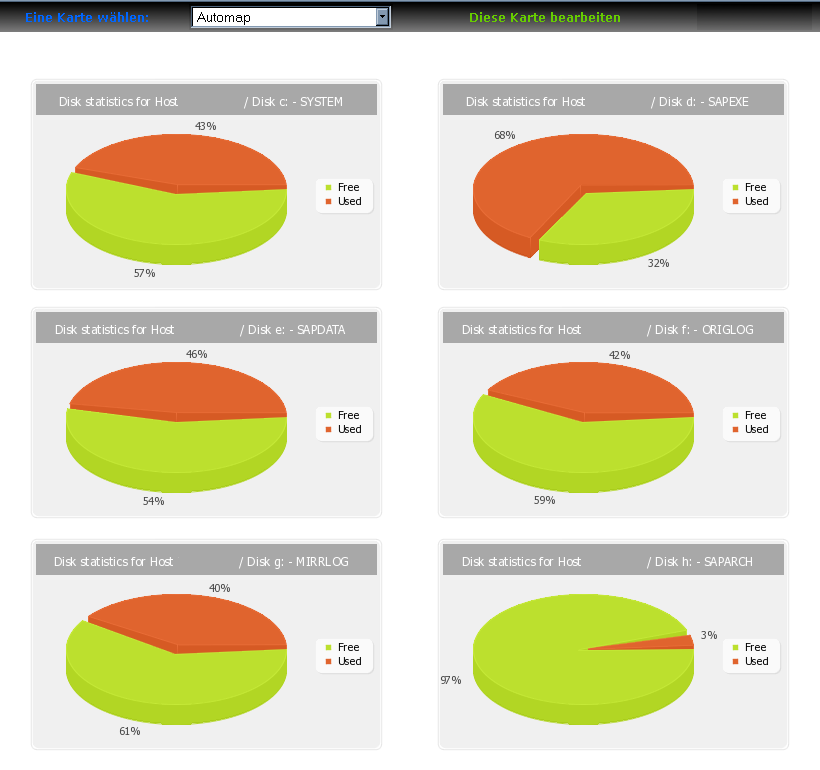
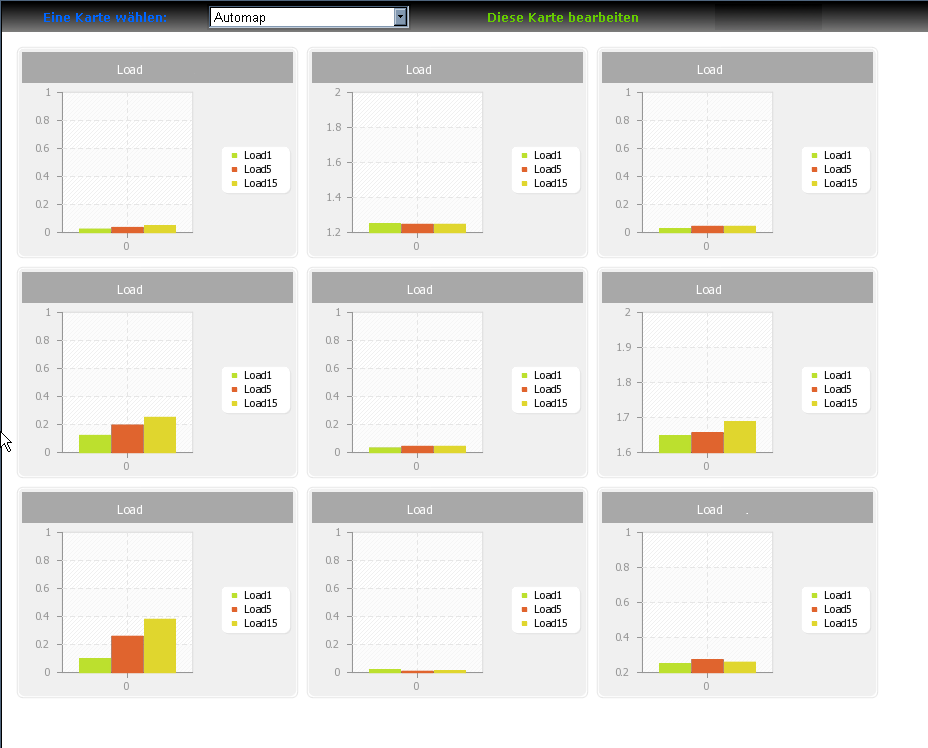
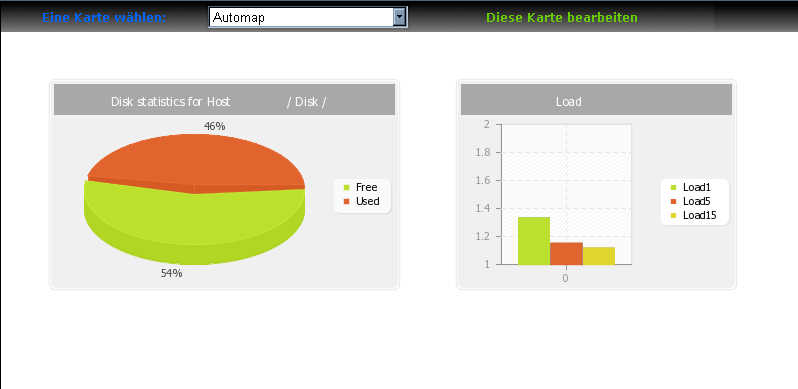
| Automap in undirected render mode | Automap in directed render mode | Automap in undirected render mode with hover menu |
| 
| 
|
| 
| |
| 
|
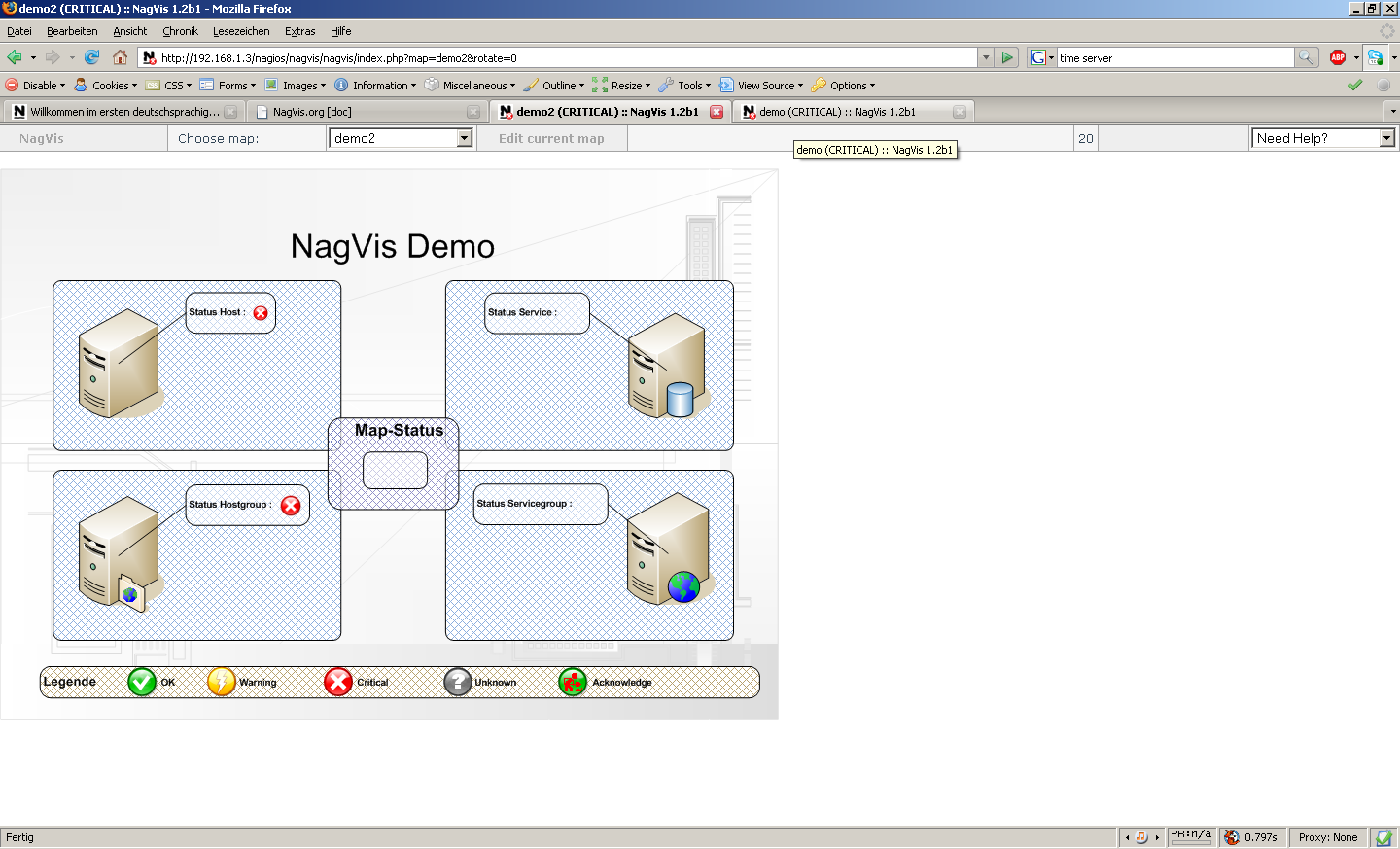
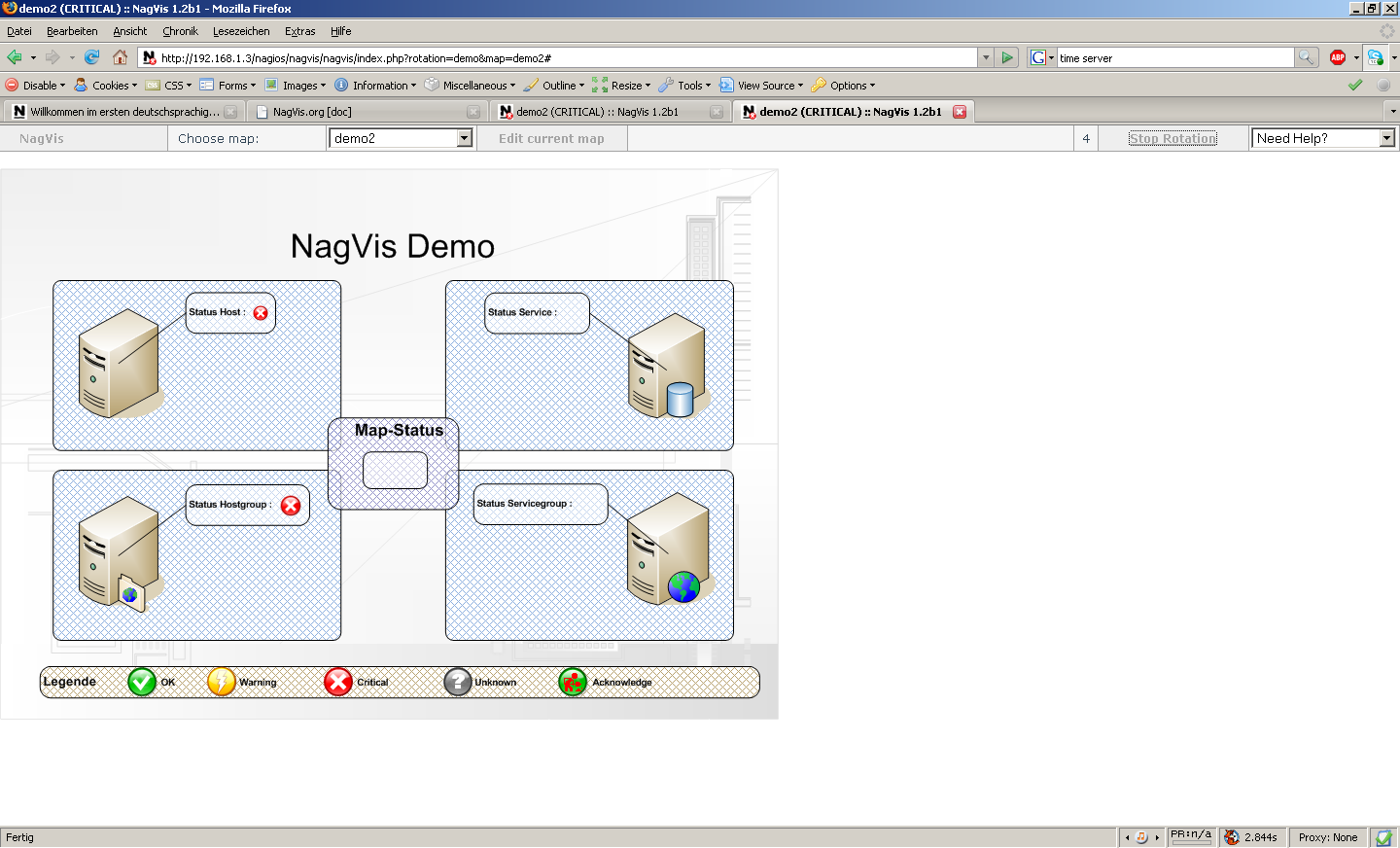
| Dynamic Favicon, changing depending on the map summary state. | Reload countdown and "Stop/Start rotation" Button in header menu. |
| Quick Info | |
|---|---|
| Latest Releases: | |
| 2026-07-23 | 1.10.6 (stable) |
Latest Commits (Master)  |
|---|
| 2026-05-13 15:00FIX: Line position snaps back after move due to coords dropped on sav… |
| 2026-05-26 06:42Build Changelog for 1.10.4 |
| 2026-05-26 06:46Bump version to 1.10.5 |
| 2026-06-23 06:50FIX: Restore service list in host hover menus |
| 2026-06-23 07:00FIX: Keep bracketed strings in service descriptions in hover menu |
| 2026-06-24 06:32po: Add Georgian language |
| 2026-06-24 06:34Add changelog entry for Georgian language |
| 2026-06-24 06:39Create Changelog for 1.10.5 |
| 2026-06-24 06:42Bump version to 1.10.6 |
| 2026-07-05 19:13Fix tar command to extract into specific target directory |
| Customize |
|---|
| NagVis Exchange |